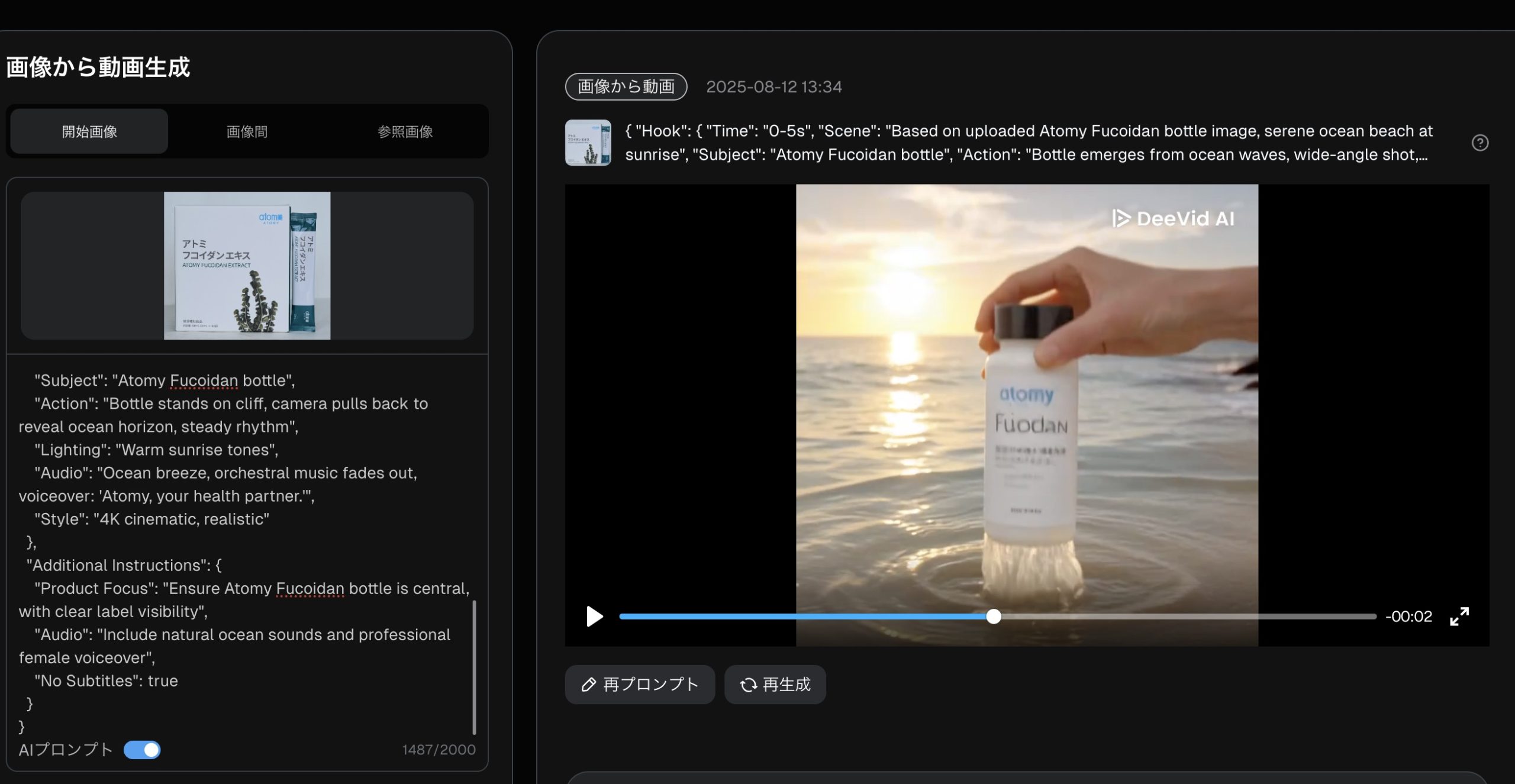
I used a free website to create two animated videos as a trial to experience the process, but due to platform limitations, I could only generate animations from two images. Here’s a summary and analysis of my experiment:
- First Animation:
The first image was a standard photo of an Atomy product box. I used basic instructions provided by the AI, simply copying and pasting them.
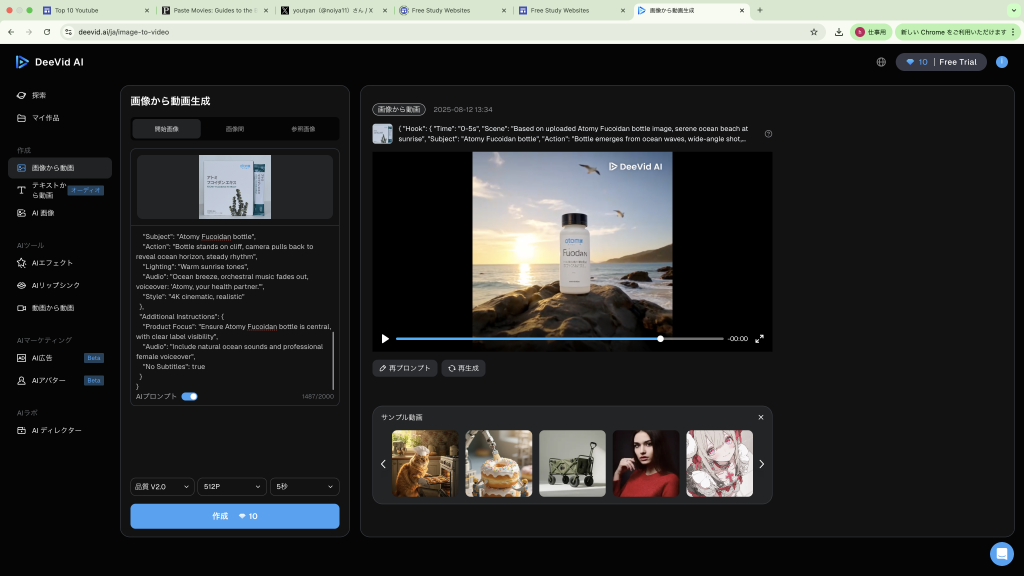
System: The generated video was quite simple and rough, lacking detail and appearing somewhat bland. This could be due to my lack of expertise, the simplicity of the instructions, and the limitations of the free platform.
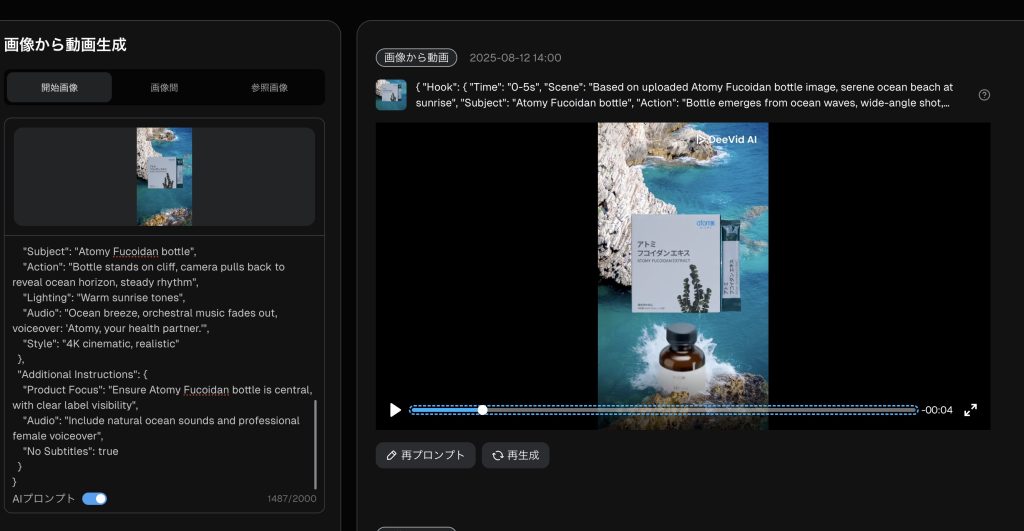
- Issues and Reflections:
- Why did a bottle appear instead of the expected box? The instructions may not have clearly specified retaining the box’s details, or the free platform’s AI model may have limitations in object recognition and generation.
- Why were the sachets missing? The sachets in the image might not have been prominent enough, or the instructions didn’t explicitly include them.
- The limitations of the free platform likely contributed to the less refined output. Adjusting instructions or using more professional tools could improve results.
- Learning and Improvement:
I’m still learning how to optimize AI instructions to create animations that better match my vision. Moving forward, I plan to use more precise instructions (e.g., clearly specifying objects, backgrounds, and animation styles) and explore other free or paid tools to enhance animation quality. I’ll keep working hard and look forward to better results!